

Setup NaC for SDWAN
The best method to start working with Network as Code Nexus Dashboard is to clone our example repository. This repository contains the proper directory structure and base files required. In addition the team updates this repository to match with releases so that you get the correct combination of versionss for execution.
Terraform Setup for Network as Code for SDWAN
Section titled “Terraform Setup for Network as Code for SDWAN”In this section, you will clone the repository and then setup Terraform for Network as Code for SDWAN. This includes setting the Python virtual environment, installing necessary packages, and configuring Terraform to work with SDWAN.
Step 1: Clone the example repository
Section titled “Step 1: Clone the example repository”The first step is to clone the example repository that contains the necessary files and configurations for Network as Code (NaC) for SDWAN. Using the GIT command you will be doing a clone of the example repository into a directory named nac-sdwan-terraform in your home directory.
Note: If you are not familiar with GIT, please refer to the Understanding GIT section of this guide. It provides a starting point to help you understand GIT and the relationship with Network as Code.
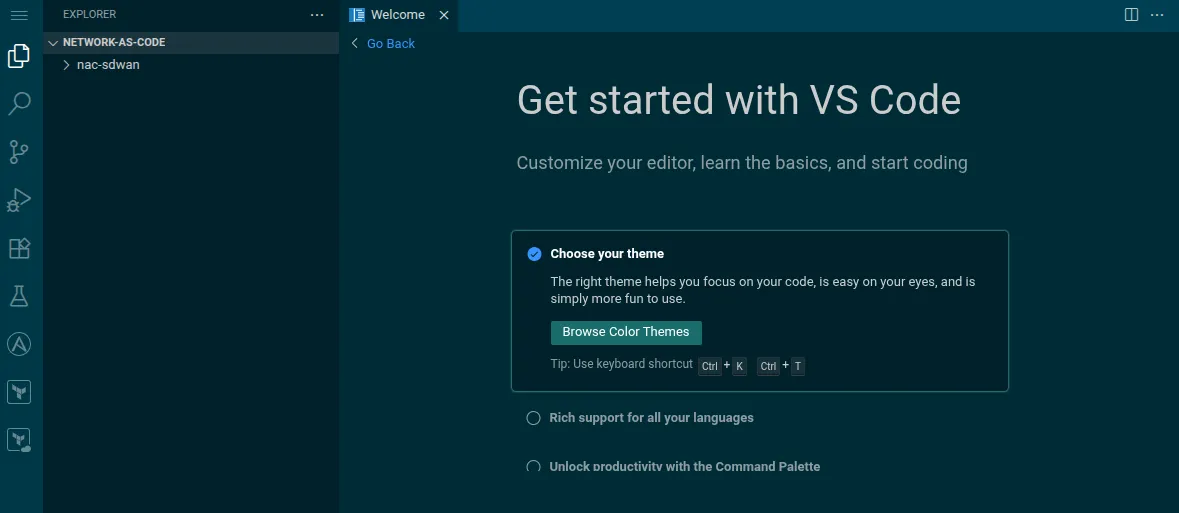
cd ~/network-as-code git clone --depth 1 https://github.com/netascode/nac-sdwan-example nac-sdwanOnce completed you should be able to see the structure inside of the IDE.
Step 2: Remove the .git directory
Section titled “Step 2: Remove the .git directory”After cloning the repository, you will need to remove the .git directory. This is because you will be using this repository as a starting point for your own Network as Code SDWAN project. We provide these example repositories as “starting points”, but you will not be using this repository for yourself. When you delete the .git directory, you will no longer be able to use GIT commands to manage the repository until the repository has been initialized again, which you will do later in this guide.
cd ~/network-as-code/nac-sdwan rm -rf .gitStep 3: Install all python requirement packages
Section titled “Step 3: Install all python requirement packages”We must install the required packages for Network as Code testing and validation. The lab environment comes pre-configured with Python, so you can install packages directly using pip:
nac-validate: Syntax and schema validation for Network as Code data model files.nac-test: Testing framework for Network as Code data model files.jmespath: JSON path expressions for data extraction and filtering.
cd ~/network-as-code/nac-sdwanpip install nac-validate nac-test jmespathStep 5: Verify Terraform Installation
Section titled “Step 5: Verify Terraform Installation”Terraform is shipped as a single binary file and there is no dependency. In this lab Terraform comes pre installed.
terraform -v Terraform v1.13.1 on linux_amd64Understanding the file structure
Section titled “Understanding the file structure”The data folder contains the data model used by Network as Code. The ‘.rules’ folder and .schema.yaml file contains the rules used by nac-validate to validate the data model files. The ‘tests’ folder contains the tests used by nac-test to test the data model files. The main.tf file is the main Terraform configuration file that defines the resources to be created and managed by Terraform.

Step 6: Set environment variables
Section titled “Step 6: Set environment variables”Navigate to nac-sdwan directory.
cd ~/network-as-code/nac-sdwanConfigure the following environment variables.
export SDWAN_USERNAME=sdwanexport SDWAN_PASSWORD=C1sco12345export SDWAN_URL=https://198.18.133.100